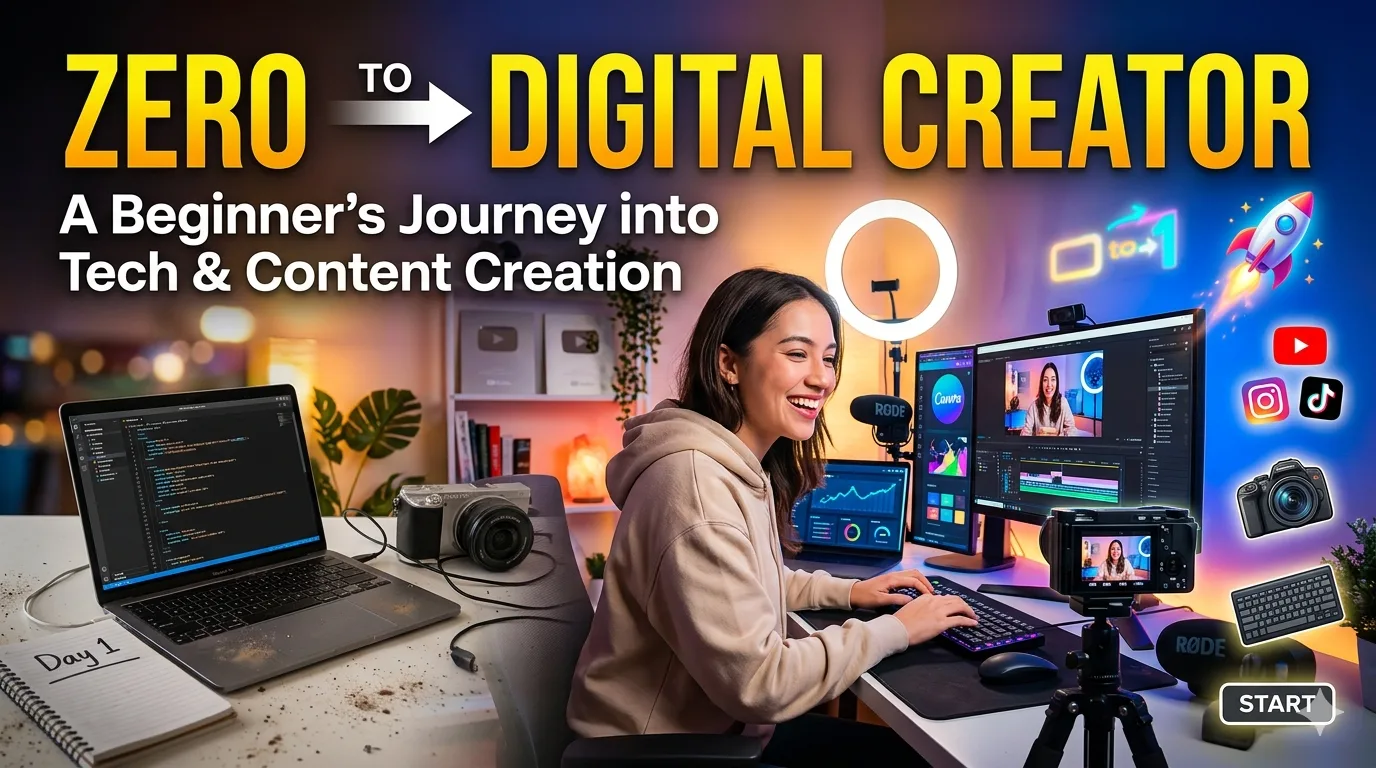

Starting a journey into the world of technology can feel like standing at the base of a mountain with no clear path to the top. For many beginners, the fields of web development, graphic design, and content creation seem reserved for those who have been coding since childhood or who hold advanced degrees in computer science. However, the reality is that the tech industry is more accessible today than it has ever been.
This article chronicles one beginner’s journey from having little to no knowledge about websites or programming to building a foundation in digital creation. Whether you are looking to start a YouTube channel, build your first website, or simply understand how the digital world works, the principles outlined here will help you take that first step.
The Starting Point: Embracing Confusion
When I first decided to enter the tech space, I had no experience with websites, design, or programming. Looking at a blank code editor or a complex graphic design dashboard was intimidating. Every tutorial seemed to use jargon I didn’t understand, and it felt like everyone else had a head start.
However, the turning point came when I made a conscious decision: I would learn step by step and refuse to give up. I accepted that confusion is not a sign of failure; it is a natural part of the learning process. This mindset shift is critical for any beginner. Instead of trying to learn everything at once, I focused on small, achievable milestones.
Key Takeaway: The goal in the beginning is not to become an expert overnight. The goal is to build momentum. Consistency beats intensity when you are learning complex new skills.
Why Digital Skills Matter for the Future
As I began exploring how websites function and how creators build stunning online experiences, I realized that digital literacy is no longer just a "nice-to-have"—it is a necessity. The modern economy runs on technology, and understanding the mechanics behind it opens doors to countless opportunities.
The Intersection of Design and Content Creation
While learning to code, I was simultaneously growing my presence as a content creator on YouTube. It was here that I discovered a crucial link: design skills directly improve content quality.
Creating a YouTube video involves more than just recording footage. It requires:
- Thumbnails: The first thing a viewer sees. A poorly designed thumbnail will result in low click-through rates, regardless of how good the video is.
- Visual Editing: Understanding color theory, typography, and layout helps in creating engaging on-screen graphics.
- Professional Presentation: When you understand design, you present yourself as a credible and professional creator.
This realization transformed my approach. I stopped viewing coding and design as separate hobbies and started seeing them as complementary tools that work together to build a personal brand.
The Core Skills I Started With
To avoid overwhelm, I narrowed my focus to three foundational areas. These three pillars provided the structure I needed to grow without burning out.
1. Basic Web Development (HTML & CSS)
Web development is the backbone of the internet. I started with HTML (HyperText Markup Language) and CSS (Cascading Style Sheets). These are the two languages that dictate the structure and style of every website.
- HTML: I learned how to create the skeleton of a webpage—headings, paragraphs, images, and links.
- CSS: I learned how to add color, layout, and responsiveness to make the page visually appealing.
Mastering even the basics of HTML and CSS gave me the confidence to eventually explore more complex topics like JavaScript, but more importantly, it gave me a deep appreciation for how websites are built.
2. Graphic Design Using Simple Tools
You do not need expensive software like Adobe Photoshop or Illustrator to start in graphic design. I began with free, user-friendly tools that allowed me to focus on design principles rather than complex software mechanics.
I focused on learning:
- Composition: How to arrange elements to guide the viewer’s eye.
- Color Theory: Which colors evoke specific emotions and how to create palettes that are easy on the eyes.
- Typography: How to pair fonts to create hierarchy and readability.
3. Content Creation Strategy
Technical skills mean nothing if you don’t have a strategy. I spent time learning how to create engaging content that resonates with an audience. This included scripting, understanding audience retention analytics, and optimizing video titles for search.
The Learning Process: Tools and Resources
One of the biggest hurdles for beginners is knowing where to start. There are millions of tutorials online, but not all of them are structured for a true beginner. To streamline the learning process, I categorized resources based on the type of learner.
| Learning Method | Best For | Examples | Pros | Cons |
|---|---|---|---|---|
| Interactive Courses | Hands-on learners who need structure | FreeCodeCamp, Codecademy, Scrimba | Immediate feedback, project-based, structured curriculum | Can feel slow if you want to jump ahead |
| Video Tutorials | Visual learners who like seeing the process | YouTube (Traversy Media, The Net Ninja), Skillshare | Easy to follow, shows real-time problem solving | Can become "tutorial hell" if you only watch without doing |
| Documentation & Blogs | Learners who prefer reading and deep dives | MDN Web Docs, CSS-Tricks, W3Schools | Highly accurate, up-to-date, excellent reference material | Can be dry or overwhelming for absolute beginners |
| Building Projects | Learners who need practical application | Personal portfolio, redesigning a favorite site | Reinforces knowledge, creates portfolio pieces | Difficult to start without some foundational knowledge |
I used a combination of all four. I started with interactive courses to build a foundation, switched to YouTube tutorials to see how professionals worked, and then forced myself to build small projects to cement the knowledge.
Overcoming Challenges: Consistency Over Perfection
It hasn’t been an easy road. There were days when a CSS layout simply refused to align, or when a video edit took three times longer than anticipated. However, the most important lesson I learned is that you don’t need to know everything before you start.
The Trap of "Analysis Paralysis"
Many beginners get stuck in what is known as "analysis paralysis." They spend weeks researching the "best" programming language or the "best" design software without ever writing a single line of code or designing a single graphic. To overcome this, I adopted a "just start" mentality. I allowed myself to make mistakes. In fact, I embraced them. Every bug I couldn’t fix and every poorly designed thumbnail I created was a learning opportunity. The only way to improve is to produce work, evaluate it, and iterate.
Building the Habit of Consistency
Consistency has been the secret ingredient to my progress. I committed to learning a little bit every day, even if it was only 30 minutes. Over weeks and months, these small increments added up to significant knowledge.
- Daily Practice: 30 minutes of coding or design practice.
- Weekly Projects: One small completed project per week (e.g., a single webpage layout or a YouTube thumbnail set).
- Monthly Reviews: Looking back at what I built a month ago to see how much I had improved.
My Goals for the Future
Setting clear goals provides direction. Without goals, it is easy to get distracted by shiny new technologies or lose motivation when the initial excitement wears off. Here are the primary goals driving my journey:
- Build My Own Website: Having a personal website is like having a digital home base. It is a place to host a portfolio, blog about my learning journey, and establish a professional online presence. I aim to build this website from scratch using my HTML and CSS skills, ensuring it is fully responsive and accessible.
- Grow My YouTube Channel: My YouTube channel is a platform for sharing knowledge and connecting with an audience. I plan to leverage my new design skills to improve video quality, create eye-catching thumbnails, and structure content that provides genuine value to other beginners.
- Become Skilled in Digital Creation: Ultimately, I aim to become a well-rounded digital creator. This means not being confined to one niche. I want to be comfortable switching between coding a website, designing a logo, and editing a video. This versatility is what defines a modern creator.
A Roadmap for Beginners: Where to Start Today
If you are reading this and feel inspired to start your own journey, here is a simple, actionable roadmap to follow. You don’t need to follow it perfectly, but it provides a clear path forward.
Phase 1: Foundation (Weeks 1–4)
- Objective: Overcome the fear of the interface.
- Action: Spend 1 week learning HTML structure (headings, paragraphs, lists, links). Spend 1 week learning CSS basics (colors, fonts, margins, padding). Spend 2 weeks building a simple "About Me" webpage using only HTML and CSS. Simultaneously, watch 5 tutorials on graphic design principles (specifically for YouTube thumbnails).
Phase 2: Application (Weeks 5–12)
- Objective: Combine design with code.
- Action: Design a thumbnail for your next video using a free tool like Canva or Photopea. Apply color theory and typography principles. Redesign your "About Me" webpage to match the aesthetic of your YouTube channel. Upload your first piece of content (blog or video) discussing what you have learned so far. Teaching others reinforces your own knowledge.
Phase 3: Consistency & Growth (Month 4+)
- Objective: Build a portfolio and audience.
- Action: Publish content (either code projects or videos) on a consistent schedule (e.g., once a week). Join online communities (Twitter/X, Discord groups, Reddit forums) related to web development or content creation. Start learning the basics of JavaScript to make your websites interactive, or dive deeper into advanced design tools like Figma.
Conclusion: Your Journey Can Begin Today
The landscape of technology and digital creation is vast, but it is also incredibly welcoming to beginners. Looking back at where I started—with zero knowledge about websites, design, or programming—I am proud of the progress I’ve made through patience and consistency.
The most important lesson remains: You don’t need to know everything before you start. Just start, and you will learn along the way.
If you are a beginner standing at the base of the mountain, take heart. Every expert was once a beginner. Every complex website was once a blank page. By committing to small, consistent steps, you will build the skills, confidence, and portfolio needed to succeed.
Don’t wait for the "perfect" time. Open a text editor, open a design tool, or turn on your camera. Your journey into tech and digital creation begins today.
Frequently Asked Questions (FAQ)
A: No. While a degree can be helpful, most web developers and digital creators are self-taught. Employers and audiences care more about your portfolio and your ability to solve problems than your formal education.
A: You can learn the fundamentals in about two to three weeks with daily practice. However, mastering them and learning how to build complex layouts can take several months of consistent practice.
A: Canva is excellent for absolute beginners because of its drag-and-drop interface. For those wanting to learn professional tools, Figma (for UI/UX) and Photopea (a free alternative to Photoshop) are great next steps.
A: Break the concept down into smaller parts. If you are stuck on CSS Flexbox, for example, spend a day just learning one property at a time. Also, remember that hitting a wall is normal; it means you are about to have a breakthrough. Taking a short break and returning with fresh eyes often solves the problem.