
Introduction
Artificial Intelligence (AI) has become an indispensable tool for individuals and businesses alike. It’s no longer a distant technology reserved for programmers or data scientists—it’s here, intuitive, and accessible for beginners.
Whether you want to create professional content, design visuals, manage tasks efficiently, or brainstorm ideas, AI can transform your workflow. However, with so many tools available, starting can feel overwhelming.
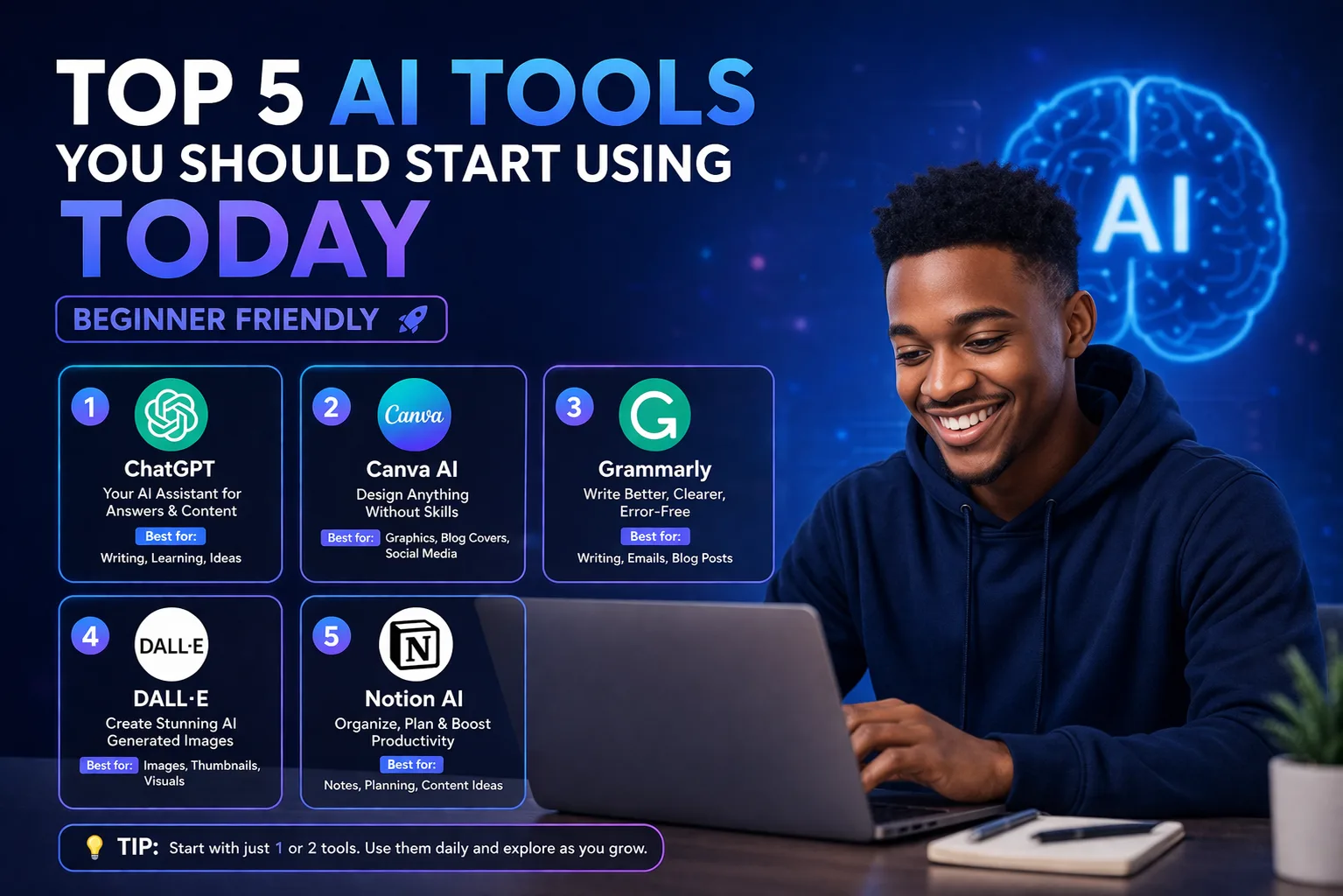
In this guide, we’ll introduce five beginner-friendly AI tools that anyone can start using today. Each tool comes with clear benefits, use cases, and practical tips to maximize your experience.
1. ChatGPT – Your AI Writing and Brainstorming Assistant
Overview: ChatGPT is a versatile AI developed by OpenAI that can handle conversations, generate content, answer questions, and provide creative input. Its strength lies in its ability to understand natural language, making it beginner-friendly.
Practical Uses:
- Draft emails, blog posts, or social media captions
- Generate ideas for projects, stories, or business plans
- Practice learning new topics or languages through conversation
Why it’s beginner-friendly: No coding or technical skills are required—just type your request and let the AI provide clear, actionable results.
2. Canva AI – Simplifying Design for Everyone
Overview: Canva AI combines the power of design with artificial intelligence. From social media graphics to presentations, Canva’s AI tools help users create professional visuals quickly.
Practical Uses:
- Generate social media graphics from simple prompts
- Use AI-assisted design suggestions for presentations or infographics
- Create logos, posters, and even video thumbnails
Why it’s beginner-friendly: Even without design experience, the drag-and-drop interface and AI suggestions allow anyone to create polished visuals in minutes.
3. Grammarly – Your AI Writing Coach
Overview: Grammarly goes beyond spell check. It helps refine tone, improve clarity, and enhance readability, making your writing professional and persuasive.
Practical Uses:
- Correct grammar, punctuation, and sentence structure
- Adjust tone for professional, casual, or persuasive writing
- Summarize or rewrite content for clarity
Why it’s beginner-friendly: The interface is simple, and corrections are suggested in real-time, guiding beginners toward better writing habits effortlessly.
4. MidJourney – AI-Powered Art and Image Creation
Overview: MidJourney is a cutting-edge AI that transforms textual descriptions into stunning digital artwork. Ideal for creatives, marketers, or anyone looking to visualize ideas without advanced design skills.
Practical Uses:
- Create unique social media images, blog illustrations, or concept art
- Visualize book covers, marketing visuals, or branding concepts
- Experiment with different artistic styles effortlessly
Why it’s beginner-friendly: No prior design knowledge is needed—your words become visuals, making creativity accessible to everyone.
5. Notion AI – Organize, Plan, and Create Smarter
Overview: Notion AI integrates artificial intelligence into the powerful Notion workspace, helping you organize ideas, automate tasks, and generate content directly in your notes.
Practical Uses:
- Summarize meeting notes or long documents
- Generate content drafts or ideas for blogs and social media
- Track goals, projects, and tasks efficiently
Why it’s beginner-friendly: No technical setup is required, and the AI integrates directly into the workspace you already use.
Conclusion
AI is no longer optional—it’s a transformative tool for anyone looking to improve productivity, creativity, and efficiency. The five tools above—ChatGPT, Canva AI, Grammarly, MidJourney, and Notion AI—offer beginner-friendly ways to integrate AI into your daily life.
Start small, experiment with each tool, and explore how AI can simplify your workflow. The earlier you begin, the sooner you’ll experience the benefits of smarter, faster, and more creative work.